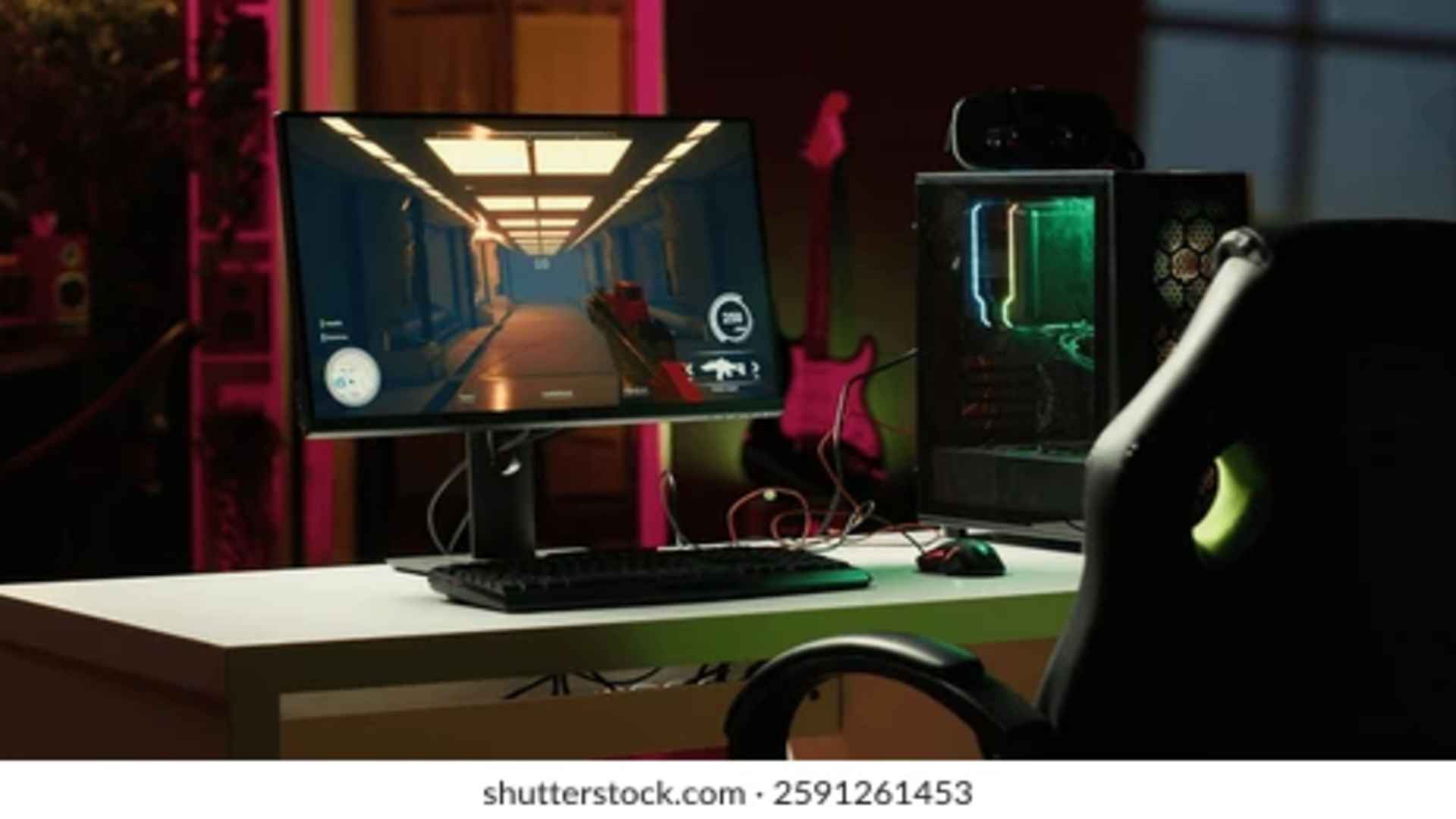
High Dynamic Range technology has fundamentally transformed the modern gaming landscape by delivering vibrant colors and striking contrast levels that traditional displays cannot replicate. However, configuring your system for the best visual experience requires navigating through complex technical standards that handle peak brightness and color precision differently. Choosing between these core formats can significantly affect your overall picture quality and performance depending on your operating system and hardware configuration.
Understanding the HDR10 PQ Standard
The Perceptual Quantizer baseline serves as the absolute foundation for most consumer displays and modern video game consoles. This standard utilizes static metadata to define fixed luminance boundaries, mapping absolute light values directly to the physical capabilities of your monitor. It ensures that the dark shadows and blinding highlights remain consistently balanced across traditional television sets and standard media players.
For many enthusiasts, this predictable approach prevents unexpected color shifts and preserves the developer's original artistic intent during atmospheric campaigns. However, because it relies on hard limits, a monitor with low peak brightness might suffer from severe highlight clipping during intense explosions. This restriction often forces players to spend extra time adjusting in-game calibration slides to achieve optimal results.
Exploring the Mechanics of scRGB
The scRGB color space represents a highly advanced alternative designed primarily for modern personal computer architectures and specialized graphics APIs. Unlike traditional rendering pipelines that rely on integer values, this framework utilizes floating-point numbers to stretch color boundaries far beyond standard human vision. This massive container allows the operating system to process expansive color data without compressing the signal prematurely.
By leveraging this wide-open digital space, games can handle complex lighting changes and transparency layers with absolute mathematical precision. It completely eliminates the traditional color banding that frequently occurs in dense fog or dark underwater environments. This makes it an incredibly powerful option for premium setups equipped with modern graphics processors and calibrated monitors.
Key Differences for PC and Console Gaming
When comparing these two systems in real-world scenarios, the primary distinction lies in how your specific gaming platform handles the final video output. Consoles generally favor the structured nature of PQ because it matches the built-in communication standards used by most consumer hardware. It streamlines the rendering pipeline by allowing the display itself to manage the heavy lifting regarding tone mapping.
On the other hand, a dedicated computer operating system can utilize scRGB to maintain a completely unified color profile across different background applications simultaneously. This native integration ensures that transitioning between a dark fantasy title and a bright desktop environment does not cause jarring brightness flashes. Gamers can learn more about display settings by visiting for official optimization guides.
Choosing the Best Format for Your Display
Selecting the ideal configuration depends heavily on your monitor's panel technology and your willingness to adjust system properties manually. If you are playing on a modern OLED display with excellent pixel-level control, the standard PQ approach often delivers spectacular depth without requiring complex software workarounds. It remains the most widely supported option across the entire interactive entertainment industry.
Conversely, if your setup relies heavily on Windows features like Auto HDR, enabling the floating-point alternative can unlock smoother gradients and faster processing times. This choice reduces the overall processing load on your external display by completing critical color calculations at the software level. Evaluating your specific hardware capabilities remains the most reliable path toward achieving an immersive visual experience.